DTCC Tokenization Service: My Company Screen Overview
Use the My Company screen to:
- View the Participant company’s details
- View members and their associated roles
- View teams and their associated members (if any)
- Provision users as members of the service and manage their permissions through roles
- Assign members to teams and manage their permissions through roles
- Assign team oversight through permission granting
- Provision machine users to create API calls
|
Important |
|
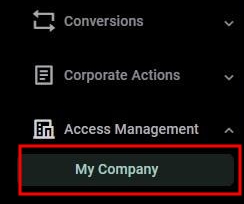
This screen is located in the Access Management section of the left-hand navigation.
|
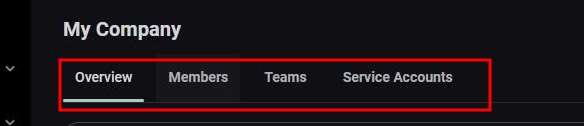
The My Company screen comprises the following tabs:
- Overview: Provides a summary of your organization and a list of your entity's Super Access Coordinators.
- Members: Provides a list of all members and their roles. SACs can also manage members and their roles.
- Teams: Provides a list of all teams and their controlling entity. SACs can add new teams and manage team members.
- Service Accounts: Provides a list of all existing machine users. SACs can add new service accounts (machine users) to configure API calls.
|
|
Key Concept |
| Members are individuals, Teams are groups of individuals, and Roles are groups of functions. |
Overview Tab
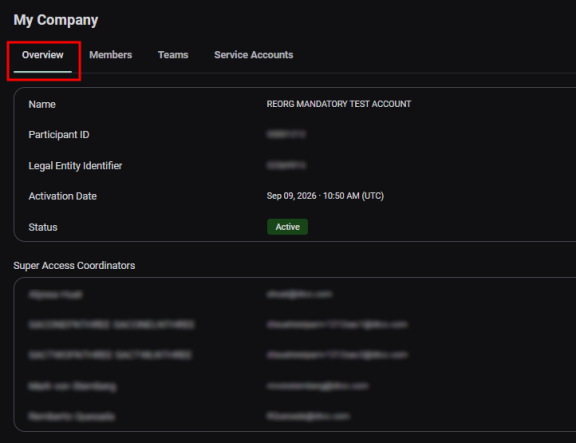
The Overview tab provides a summary of your organization including key information such as your participant ID, LEI (Legal Entity Identifier), and your organization's SACs.
|