
TradeSuite ID BTI Export Confirm Data
Authorized users can retrieve confirms using a confirm export profile. The predefined export profile, Confirm Export, contains default export fields. You can use this profile to create your own confirm export profiles.
The module of TradeSuite ID exports the details of the confirm to a Microsoft Excel file that you can download and view. See
| Note |
| You can export a limit of 5000 rows of data (confirmations) using TradeSuite ID. |
To export confirm data:
- Select a confirm export profile from the BTI Export Profiles list.
The exported data is based on the selection criteria in the Export Profile.
Figure 2 Confirm Export 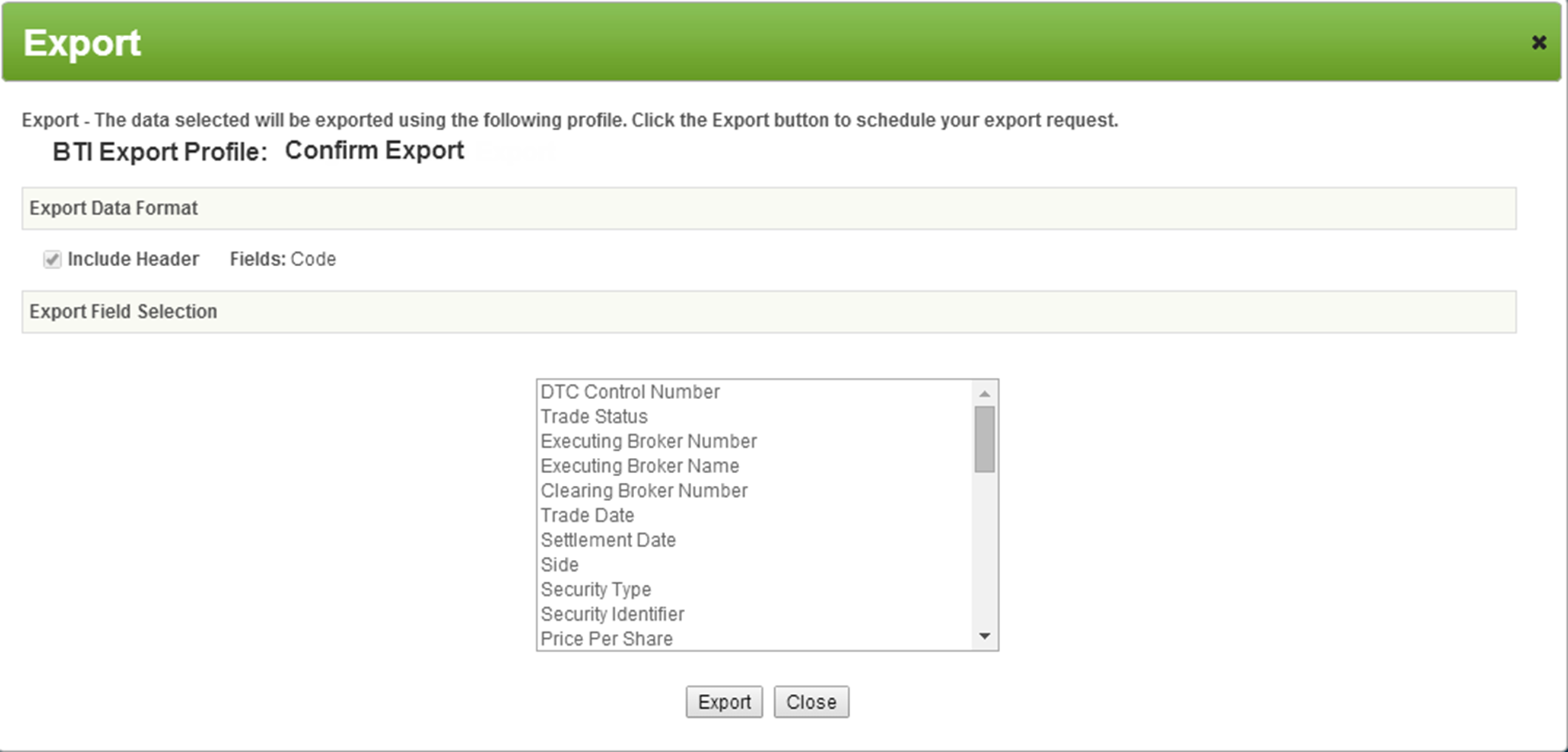
- Click Export.
The record appears at the top of the Export Queue list.
- Update the status by clicking Application Refresh
 .
.Note You are limited to ten exports. If you request an export beyond the limit, the oldest record (10) is automatically deleted. - From the File Download column, click Download to open the Microsoft Excel file. This file contains the export confirm data based on the fields set up in the export profile.