Export Screen Shot to PDF
Investment managers and executing brokers can now export their Trade Exceptions or Match Agreed view to a PDF file format.
Figure 2 Shows the Print to PDF Icon on the Main Grid

|
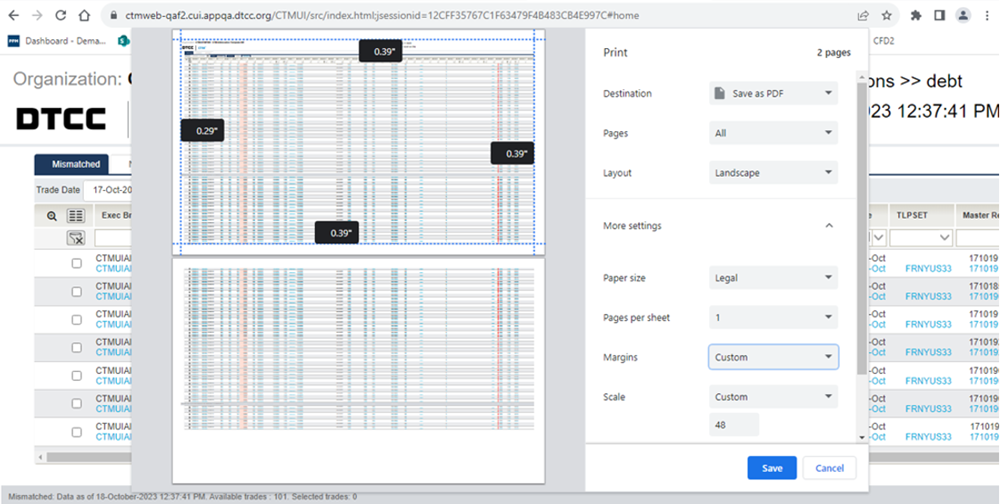
Clicking on Print to PDF icon opens the Trade View to be export with the option to save the view in a pdf format. Clicking Save will enable the user to save the file in a PDF format to a local folder.
Figure 3 Shows the Trade View after Clicking the Print to PDF Icon
|
| Note |
- The Print to PDF icon is available in the Main grid for Trade Exceptions, Match Agreed, User Defined View and Advanced Search views.
- In the Print settings both the Portrait and Landscape layouts can display up to 54 columns
- If there are more columns in the grid than the Layout can display, the columns may overlap and this can be corrected by reducing the Scale setting.
|
