
ALERT: Upload AKAS Overrides
Investment manages and broker/dealers can create a list of new AKAS Overrides via uploads.
To Upload AKAS Overrides Rules:
- Put your cursor over Uploads from the Utilities drop-down list.
- Click Upload New File.
For investment manager with AKAS subscription roles using uploads, see Figure 22 . For broker/dealer with AKAS subscription roles using uploads, see Figure 23 .
- Select the data type AKAS Override Rules.
Figure 22 Investment Manager with AKAS subscription roles using uploads 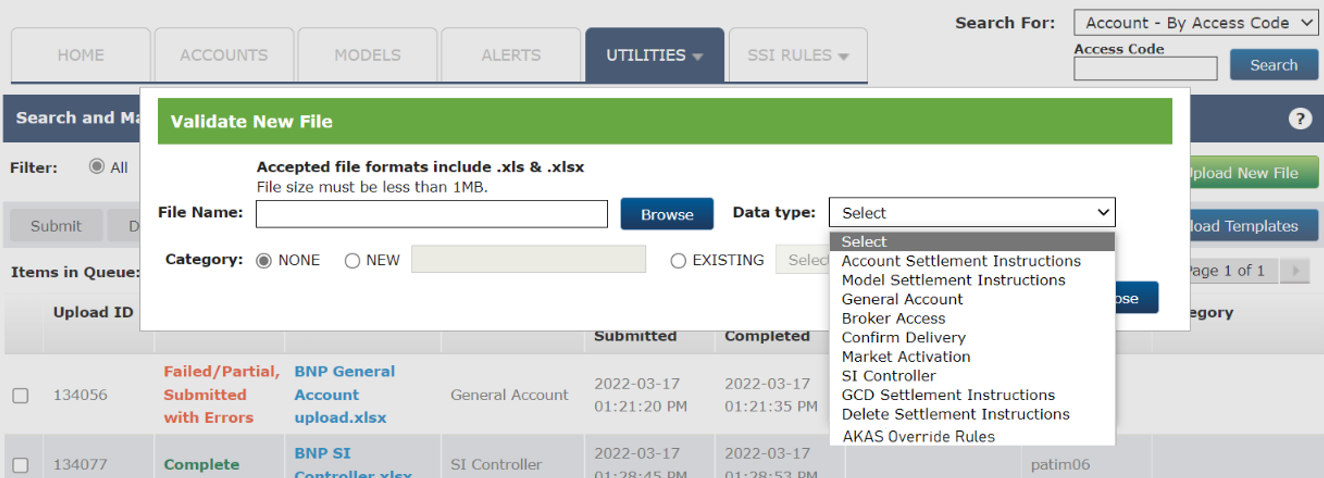
Figure 23 Broker/Dealer with AKAS subscription roles using uploads 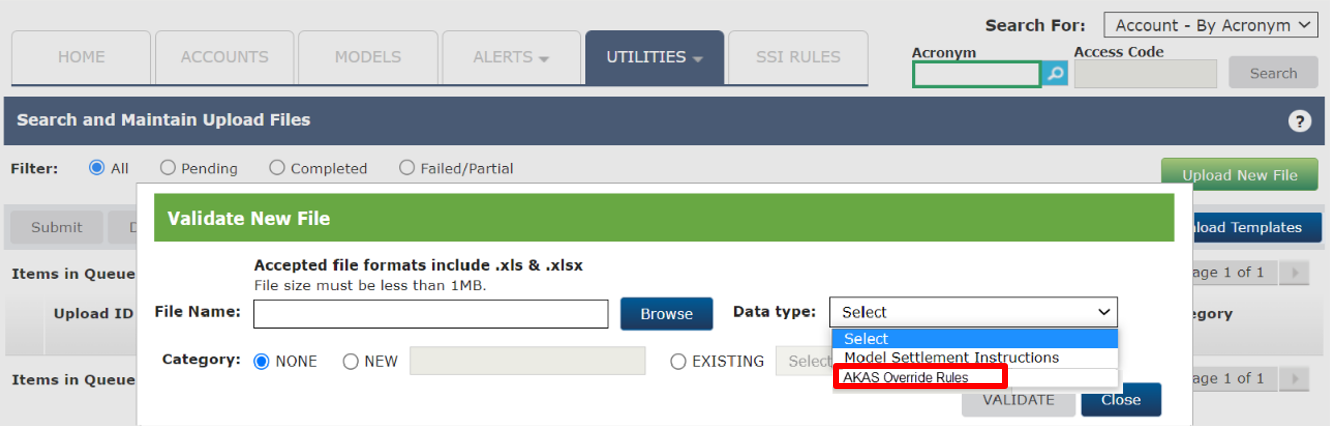
- Click Browse to upload the template populated with all required fields.
- Click Validate.
Ensure you have the uploads template - Override_Rules_Template and populate the fields as described in Table 1 .
| Notes |
| Users must choose either group 1 or group 2 when creating override rules. Users are allowed to only create override rules using uploads. Delete functionality is not available via uploads. |
Record limit
The limit is 2000 data rows.