ALERT: Delete Existing SSI Rules
You can delete existing SSI Rules from
- Edit Access Code List window and
- Acronym Level Rules window
To delete from the Edit Access Code List,
- On the Edit Access Code List window, scroll to the Existing SSI Rules section.
- Select the rule you want to remove and click Delete SSI Rules button.
Figure 17 Delete SSI Rules 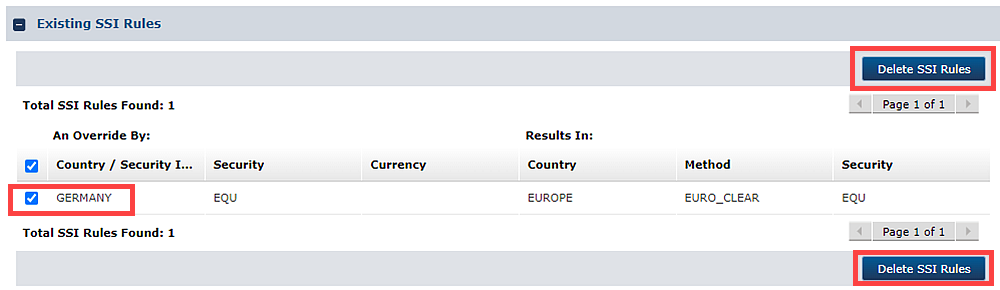
- Click Close to return to the Access Code List window.
To delete from the Acronym Level Rules window,
- Scroll to the Existing SSI Rules section.
- Select the rule you want to remove and click Delete SSI Rules button.
Figure 18 Delete SSU Rules Selection 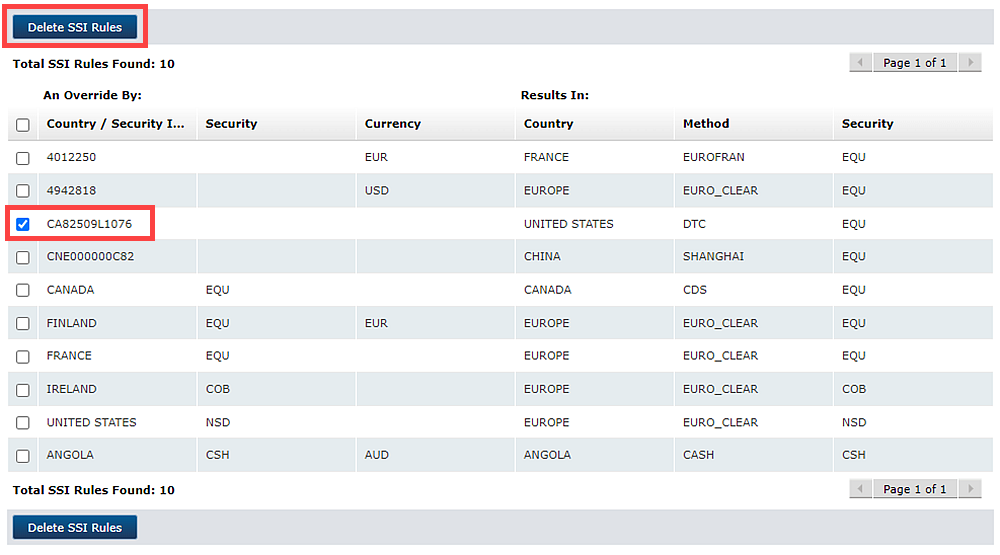
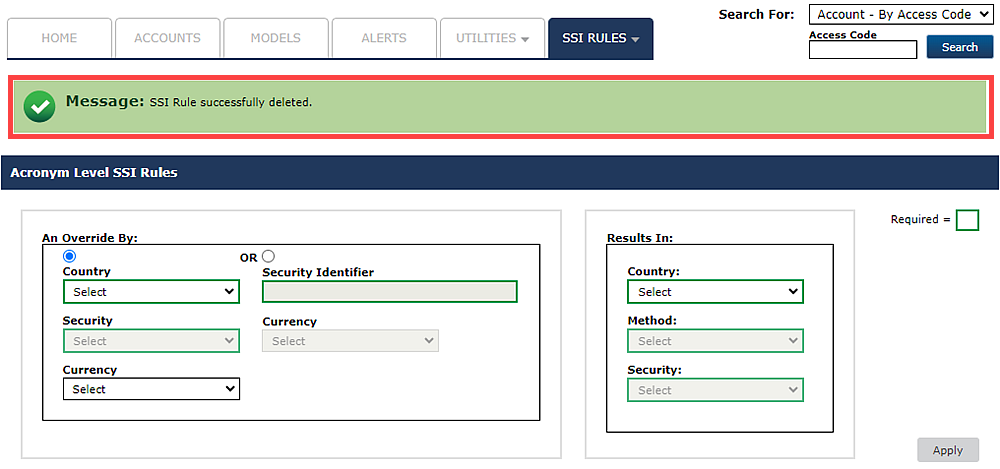
- Confirmation message of successful deletion is displayed.
Figure 19 Confirmed Deletion