
ALERT: Access Code Level Override Rules
To override default depositories for an Access Code,
- Open ALERT, and then the Access Code to which the rules apply.
- On the Edit Access List window scroll to the Add SSI Rule section.
Figure 14 Add SSI Rules 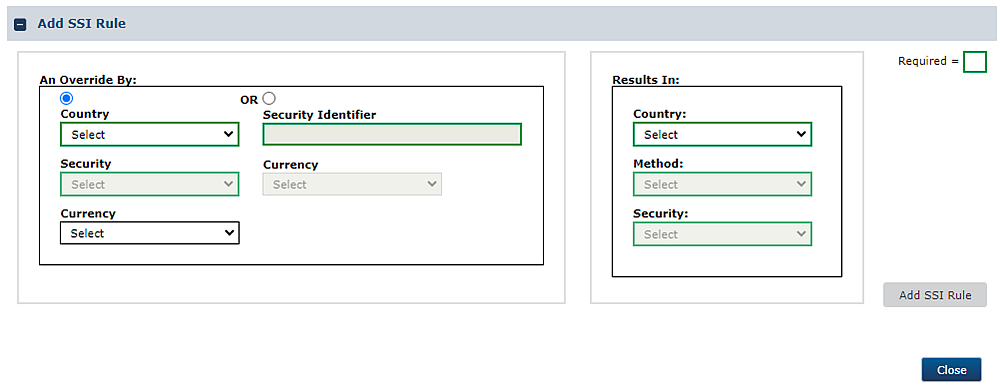
- Select the appropriate radio button for either a Country and Security or Security Identifier override.
- When override is by Country, you can select an individual country or All from the dropdown.
Figure 15 Override by Country 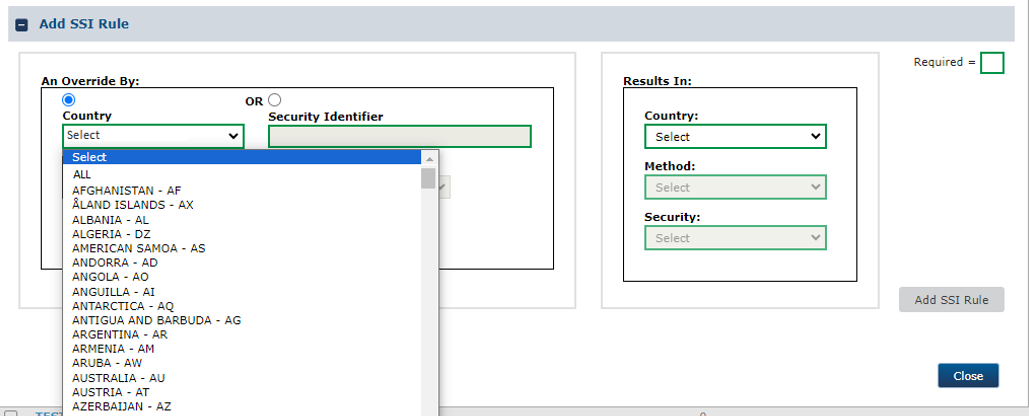
- When override is by Security, you can select an individual security or All from the dropdown.
Figure 16 Override by Security Type 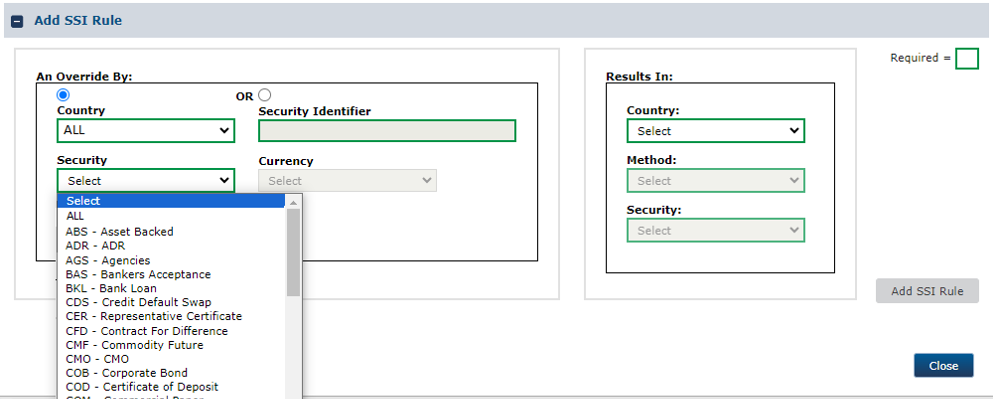
- Complete the related required fields (highlighted in green) and others if applicable, and click Apply.