Profile, Password, Preferences, & Devices
The user profile menu allows you to manage your account security, profile details, and communication preferences in one convenient place.
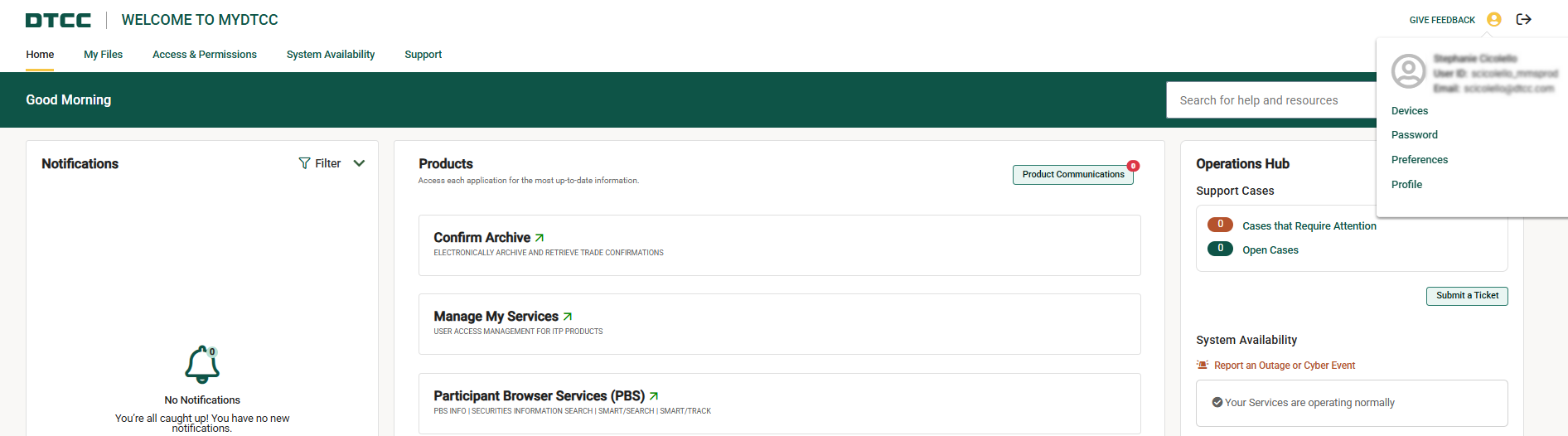
To access this menu, select the user profile icon in the upper-right corner of the MyDTCC Home Page, and then select one of the following options:
- Devices to manage the devices you use for multifactor authentication.
- Password to change or reset your password using self-service.
- Preferences to go directly to the Manage Preferences page, where you can manage your communication subscriptions and customize the views on your System Availability Dashboard.
- Profile to update your basic profile information, including your first name, last name, email address, and phone number.