
CA Web: Searching for Settlement Activity
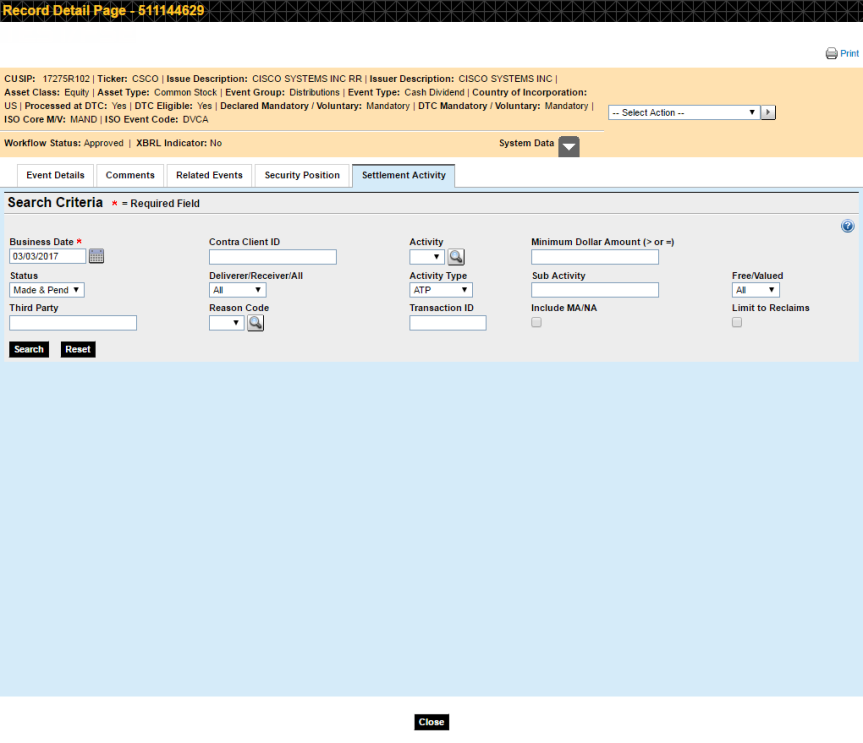
The Settlement Activity tab allows you to search for settlement activity pertaining to the CUSIP displayed in the Summary area at the top of the page.
-
Select your search criteria and click Search.
- Note that you must include at least the Business Date in your search.
- To reset the fields to their original state, click Reset.
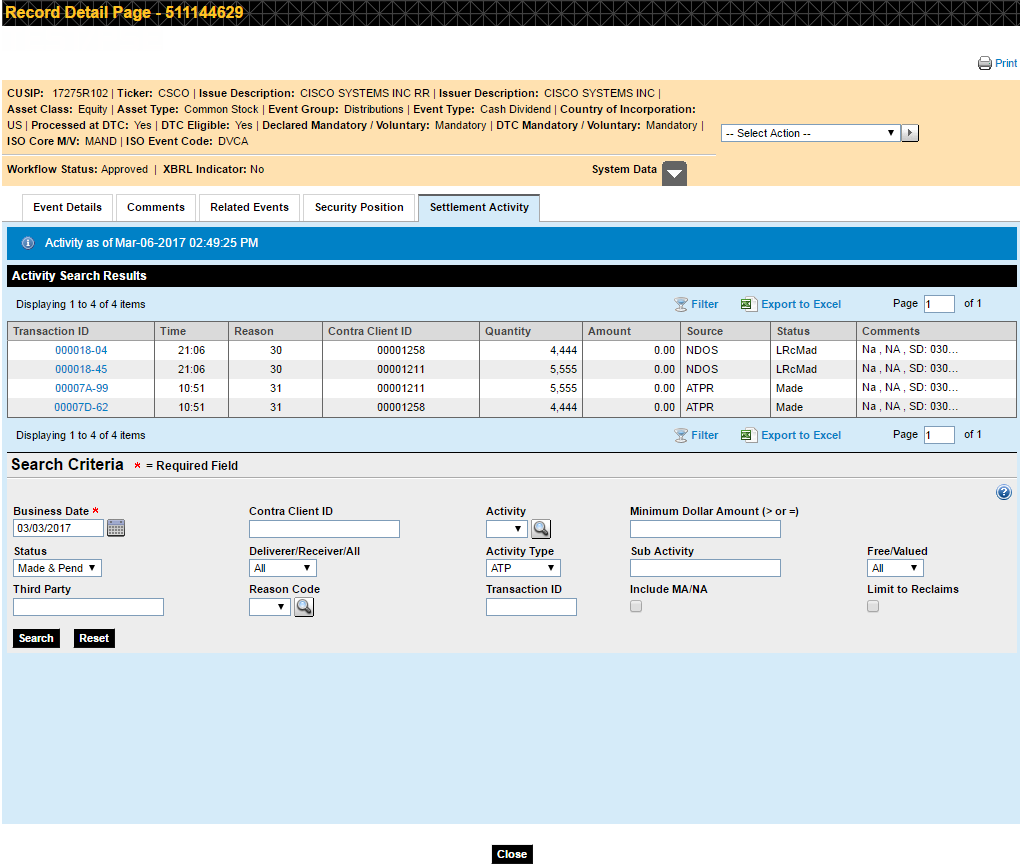
The Settlement Activity page displays your search results with your original search criteria displayed in the search fields below.
-
Click a Transaction ID to view Activity Details for this transaction.
The Activity Details pop-up appears. It may contain up to five twisties that you can expand to view further details. Each twisty only appears if it contains data.
- Activity Details
- Cross-Reference Information
- Position of Transaction #: XXXXXX-XX
- Text Comments
- Internal
comments
Click a link above to read more about that section.