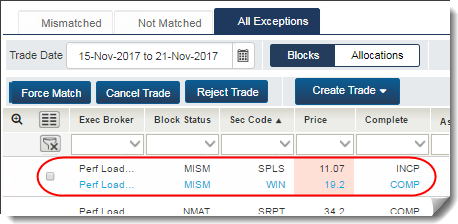
CTM User Interface: Break Pair (Investment Managers Only)
When you break a pair, the CTM service generates a new trade version after force pairing the selected blocks.
To break a pair:
- In the All Exceptions view, select your MISM block and the counterparty block that you want to break and force pair (
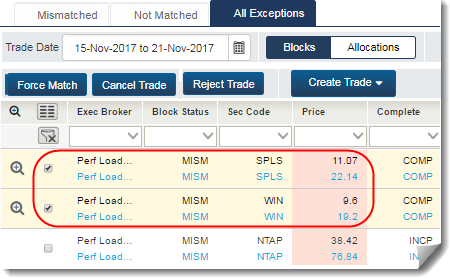
- Click Force Pair.
The Force Pair Block dialog box appears with your new block pairs selected in the corresponding check boxes (
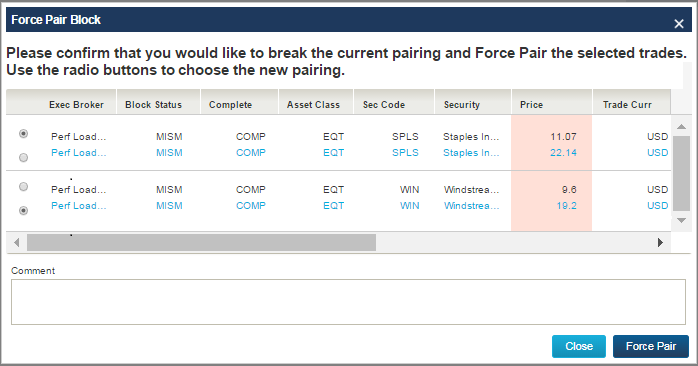
- Click Force Pair.
The UI displays a pop-up confirmation in the lower right corner of your screen to confirm that your action was successful.
It also shows the All Exceptions view with the paired blocks (see below).